
Your truck is lettered, your tools are ready and your regulars know what you do. Then a new customer finds you on Google and sees an old phone number, or hours that don’t match how you work. You know the listing. They’re seeing it for the first time.
Your Google Business Profile (your free listing on Google Search and Maps) deserves the same care as the sign outside your shop. You don’t need a fresh slogan every week. You need information a stranger can trust.
Google says complete, accurate information helps your profile show up for the right local searches. It also recommends keeping your hours current, replying to reviews and adding photos. Those are solid basics. They’re not a promise of a particular spot in the results.
Start with what a customer can actually use
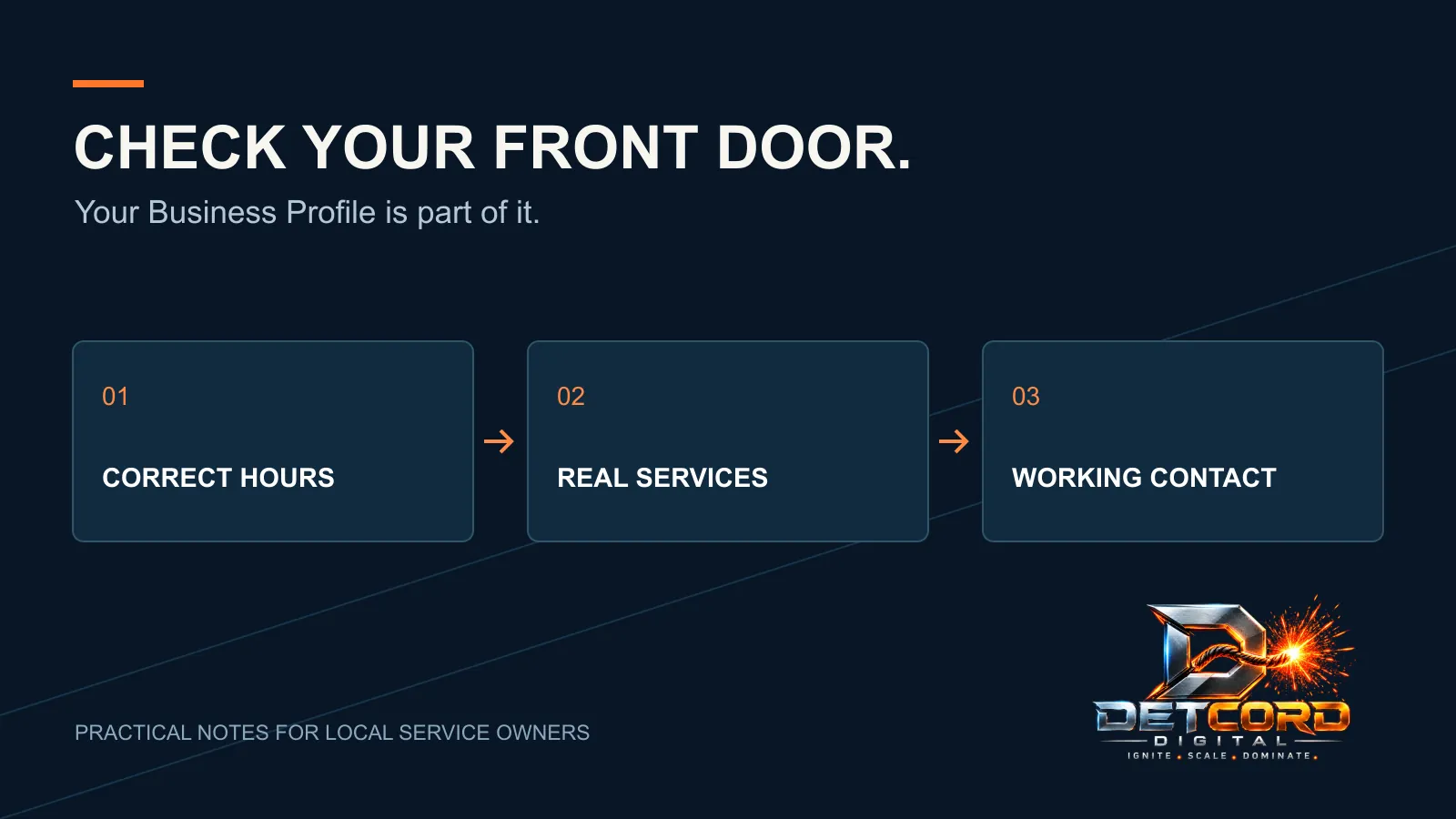
Look yourself up the way a customer would. Check the name, phone number, website link, hours and description. Then tap the website link on your phone and try to contact yourself.
You’re hunting for practical problems: a dead page, an old seasonal message, a number that rings the wrong place.
Keep a short fix list and give each item an owner. Mark it done only after you see the fix on the public listing, not just in the dashboard.
Then hand your phone to someone who doesn’t know the business. Can they tell what you do and where you work? If their answer is different from yours, rewrite the description in plain words.
Match your hours to how you really handle calls
Michigan schedules shift with the weather, the holidays and the season. Compare the hours you show with the hours you actually serve customers. If your shop, office and phones keep different hours, don’t blur them together.
An answering service doesn’t mean a crew is available at 2 a.m. Be careful with “24/7” if all you mean is that someone takes a message. Customers should know what happens after they reach out, especially during a storm or a busy heating week.
Set a reminder to update holiday and seasonal hours before they arrive. That’s not a ranking trick. It just keeps a customer from planning around hours you no longer keep.
Show the work you actually want
Review your categories and services. Drop work you no longer do. Don’t add a nearby trade just because it sounds popular. Your listing should help the right customer know they found the right business.
Pick photos that show your work without exposing anyone’s private details. Equipment, finished jobs and your shop are great subjects when you have permission. Check the background for house numbers, license plates, paperwork and people who didn’t agree to be in the shot.
Make the checkup small enough to repeat
Put a quick profile review on the calendar and use the same list every time:
- Phone number and website link
- Hours, including holidays
- Services and categories
- Photos
- Reviews waiting for a reply
The exact schedule matters less than having one person responsible for it.
Keep access organized too. Know which business account manages the profile and how the right person gets back in. Don’t run it from one employee’s memory or a password in a spreadsheet. Use Google’s own manager access when you add help.
Write down the date and what changed. That simple log keeps an old mistake from sneaking back in.
Want the full setup list? Our Google Business Profile checklist covers every field. For ongoing help with your profile, website and reviews together, see our local SEO and Business Profile service.
Rather have it done for you? Our $149 Google + Social Tune-Up fixes your hours, services, photos and contact details on Google, Facebook and Instagram.
Sources: Business Profile Help: Tips to improve your local ranking on Google.


 Local SEO & Business Profile