
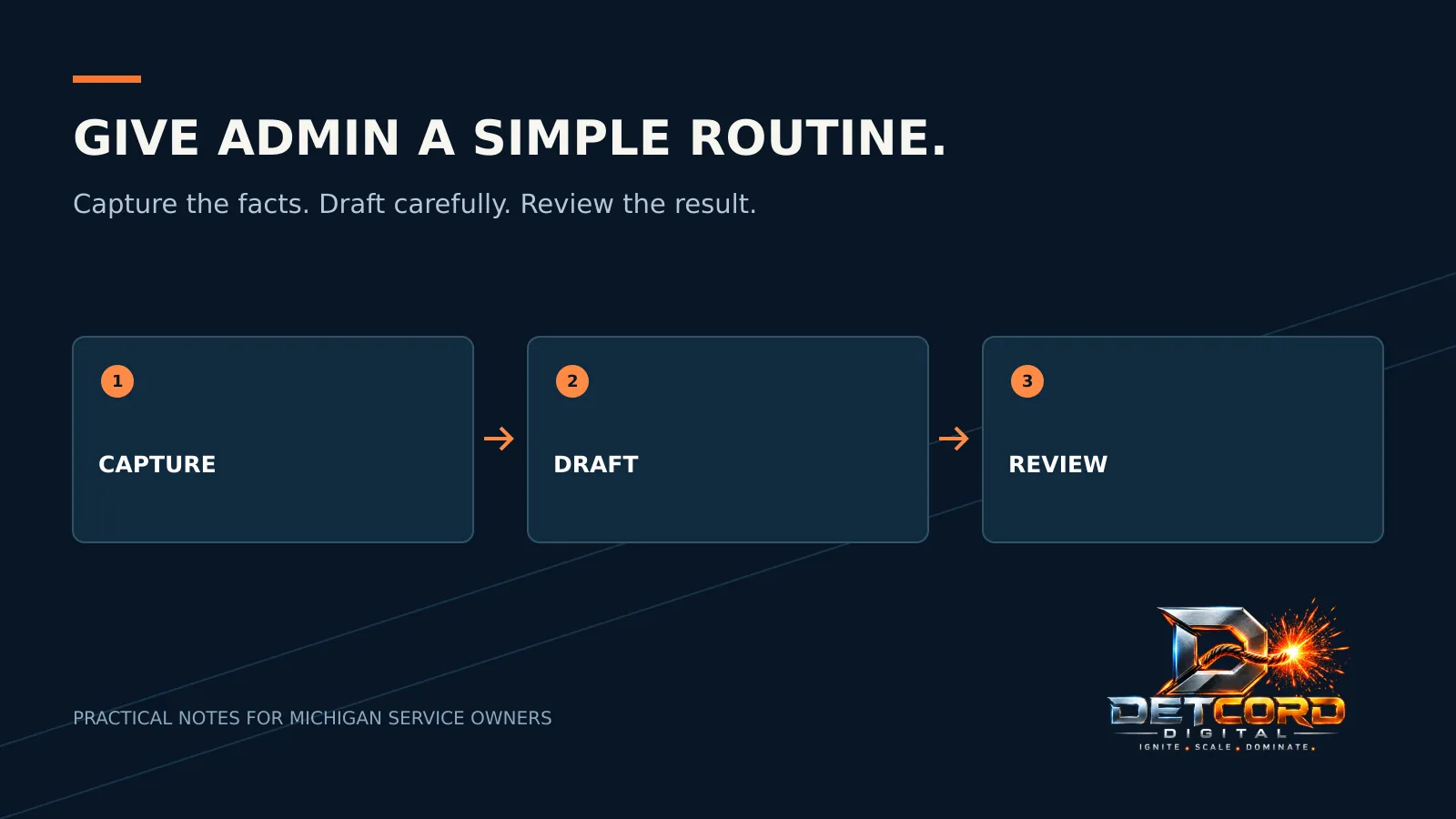
Customer questions, appointment details and half-finished follow-ups can end up scattered all over a service business. The answer isn’t always another app. Start with one task you repeat, decide what “done right” looks like, then pick a simple tool that supports it without creating one more place to check.
AI can help write a first draft. It can also invent details or misread a request. Automation repeats a mistake just as fast as it repeats a good step. For a Michigan contractor, a small routine with a person checking the result beats an unattended system that claims to do everything.
Capture what the next person needs
Pick one place for new job notes. Agree on a few fields: how to reach the customer, the service they want, the general area, when they reached out and who acts next. Collect only what your team needs, and decide who can see it.
A shared list only works if people know how to use it. Write one example with made-up details and walk through a handoff. Can someone else tell whether the customer needs a call, an estimate or a referral elsewhere? If the next step isn’t obvious, fix the fields before you automate anything.
Save replies, but keep a person in the loop
Keep approved starting points for common questions: what to have ready for a service call, how to request an appointment, how to reach you during business hours. Leave clear blanks for details that must be checked, so an old name, date or price doesn’t sneak into a new reply.
Gmail lets you save a message as a template and reuse it, though Google says templates can only be turned on and used from Gmail on a computer. Many other tools have something similar. Either way, read the finished message before you hit send. A template should cut the retyping, not your responsibility for getting it right.
Give AI a small, narrow job
Start with something low-risk, like shortening an approved explanation or turning an internal checklist into a cleaner draft. Give it the facts it may use, and tell it to leave unknown details blank. A polished draft is not proof that a price, booking or promise is correct.
Check names, dates, scope, amounts and the next step against your original notes. Delete anything your business can’t back up.
Don’t paste private customer details or confidential business information into an AI tool until you’ve checked its settings, who can see the data and your own obligations. A made-up example is usually enough to test whether the idea works.
Keep reminders separate from promises
A reminder that someone needs to call a customer back is very different from a message telling the customer they’re booked. Start with the internal reminder. Decide who gets it, what counts as done and what happens when that person is out.
Test any new routine with fake records before real customers. Include a missing phone number, a duplicate request and a job that’s already finished. Decide how your team will spot an error and how to switch the routine off. Don’t turn on live sending or booking just because the button is there.
Try it small, then judge it
Write down the problem you’re solving: lost notes, retyping the same thing or confusion about who’s next. Run the new routine for a short trial. Then ask the people using it what got easier and what got harder. Go by what you actually saw, not a guess about hours saved.
Keep it if handoffs are clearer and upkeep is manageable. Simplify or drop it if your team has to enter everything twice. More features are no substitute for knowing who checks the work and what happens next.
Curious what else AI can handle? Read how to use AI to market your small business. For help setting up a routine that fits, see our AI and business automation service or explore Get Organized.
Sources: Gmail Help: Create a template in Gmail.


 AI & Business Automation